01 / PRODUCT TOUR
Explore Planckstar in 3D.
A closer look at the Planckstar spatial note-taking app. Explore the 3D editor, connected nodes, layered projects, notes, checklists, files, 3D models and the public discovery globe through real product screenshots.
15 PRODUCT IMAGES
SCREENSHOTS / WEB & MOBILE WORKSPACE
3D Models Inside Your Spatial Notes
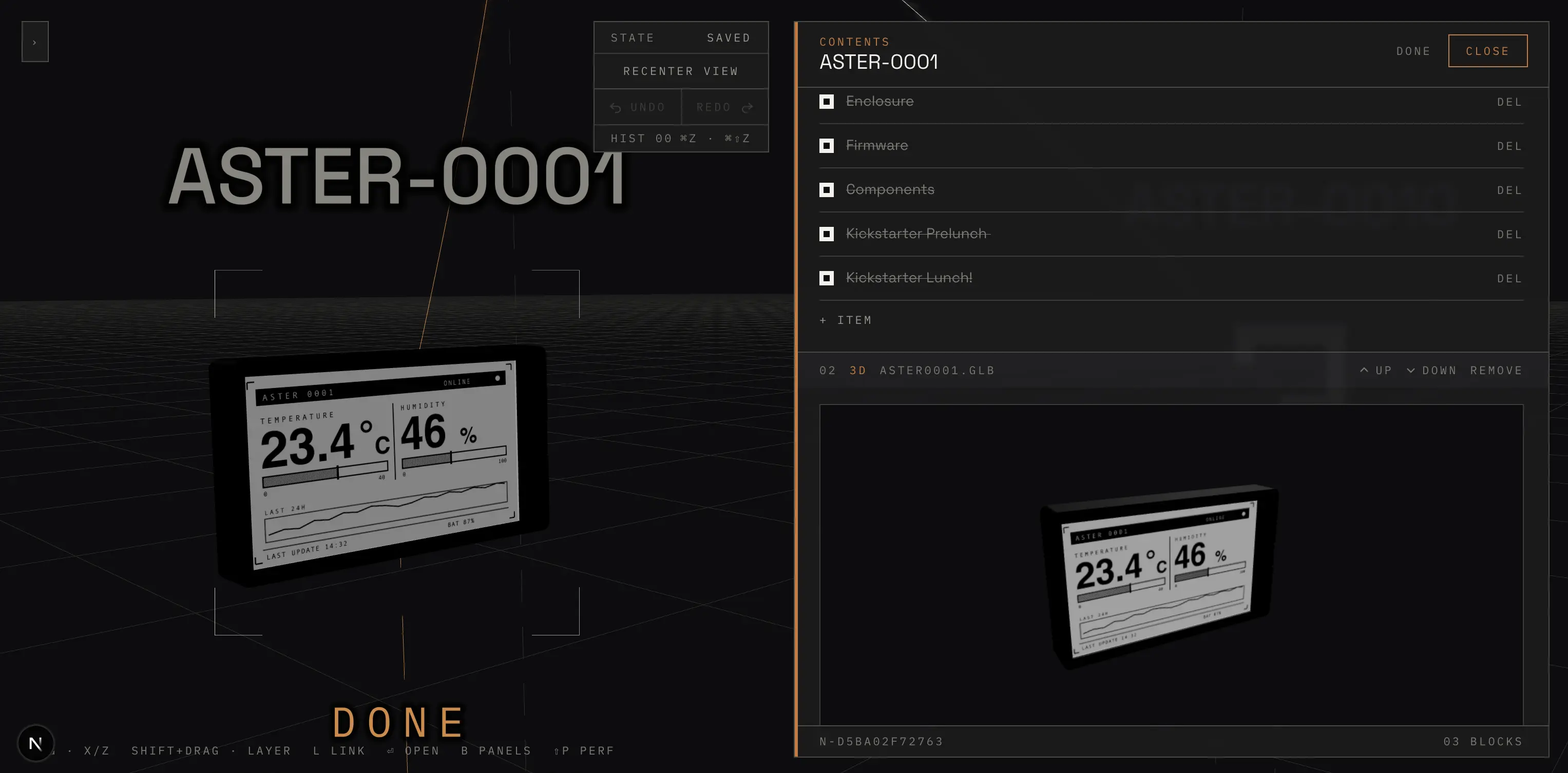
Keep 3D models close to the ideas they support. Bring technical references, design files and project notes together in one spatial workspace.
VIEW IMAGE ↗Organize Notes into 3D Clusters
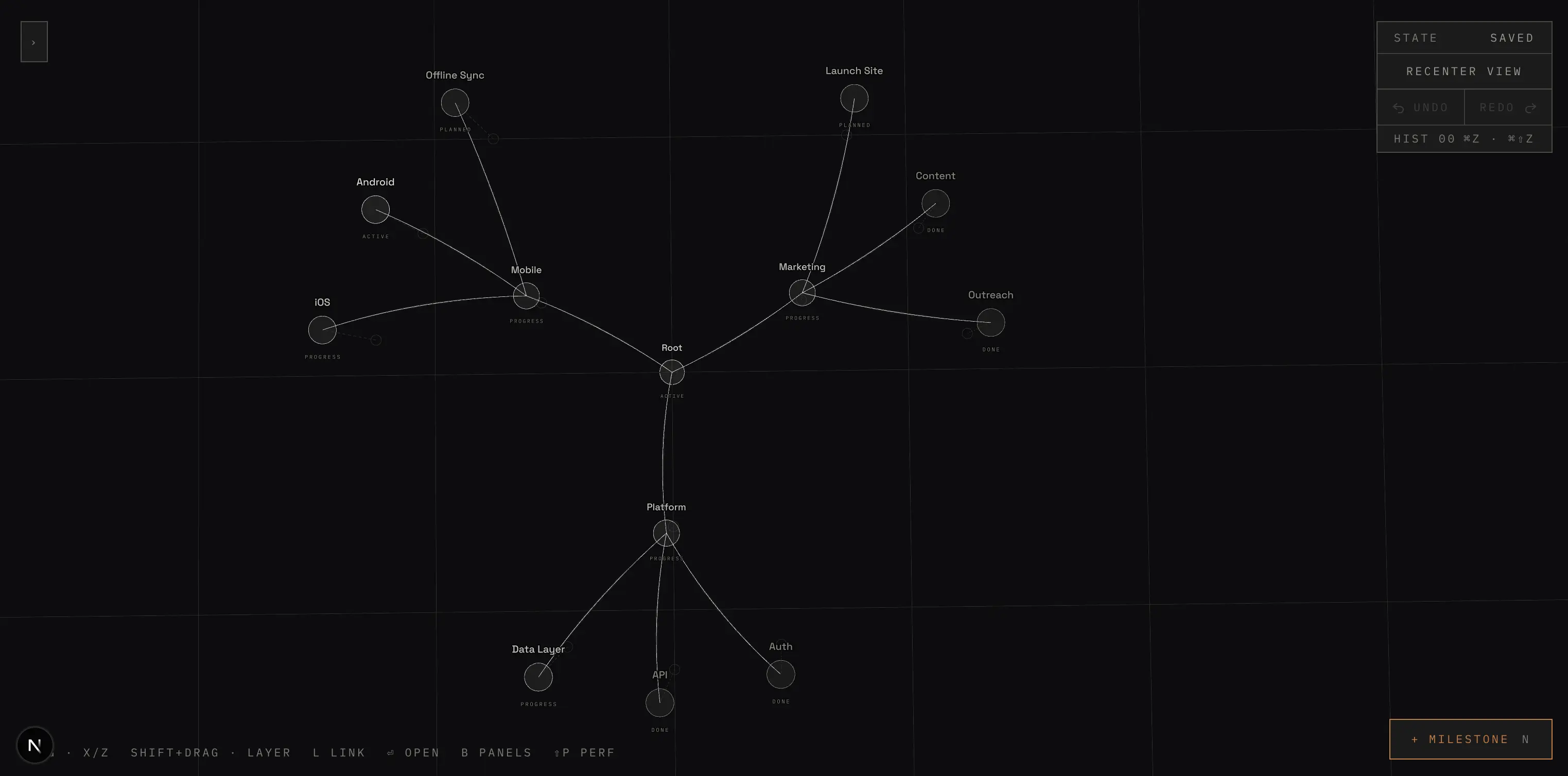
Give every project its own space. A cluster turns separate notes into a visual map you can navigate, arrange and build on as your thinking evolves.
VIEW IMAGE ↗The 3D Notes Editor and Spatial Canvas
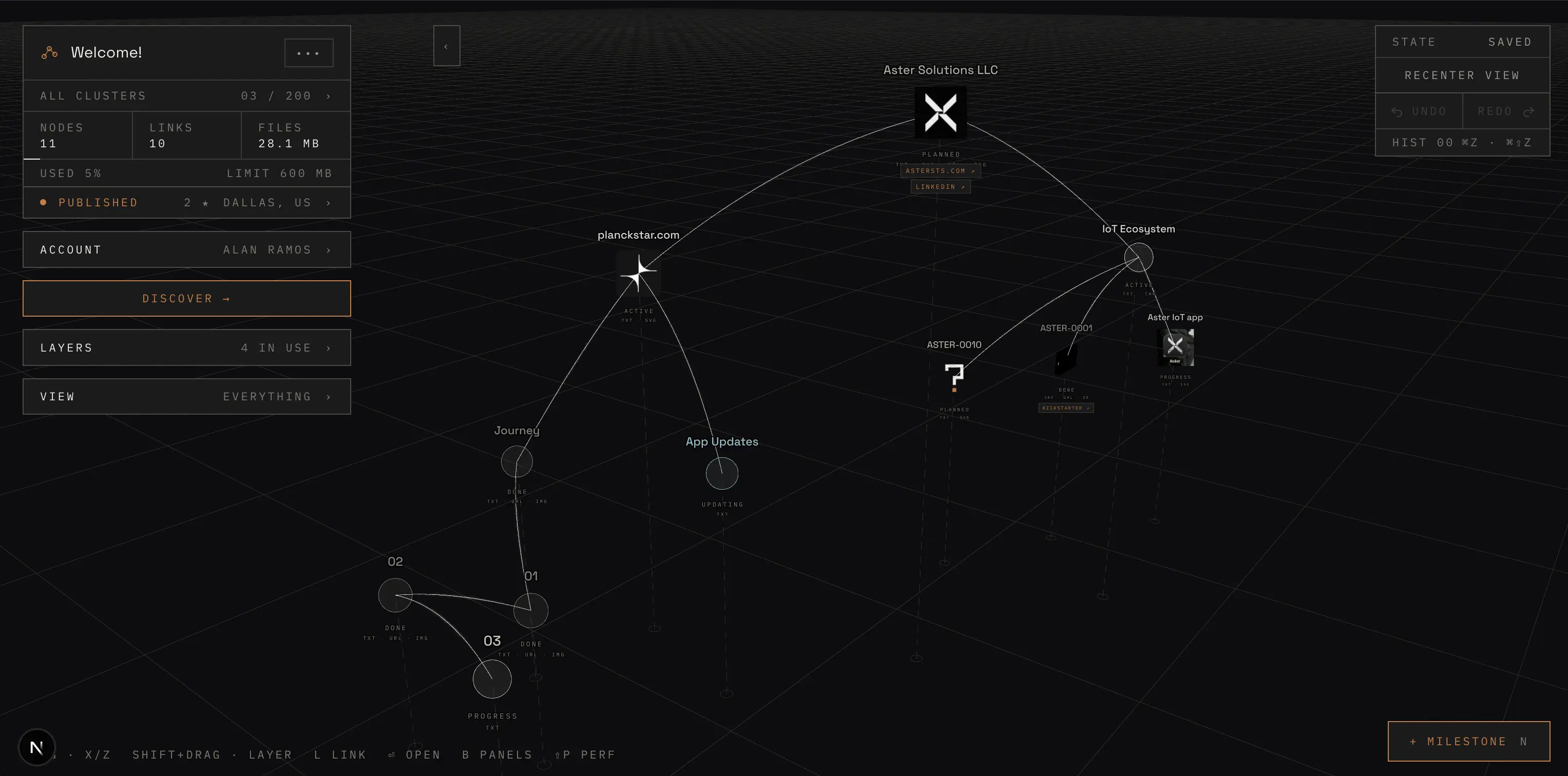
Move beyond a flat page. Position notes by hand, connect related ideas and build spatial roadmaps that make the structure of your work visible.
VIEW IMAGE ↗A Different Perspective on Note-Taking
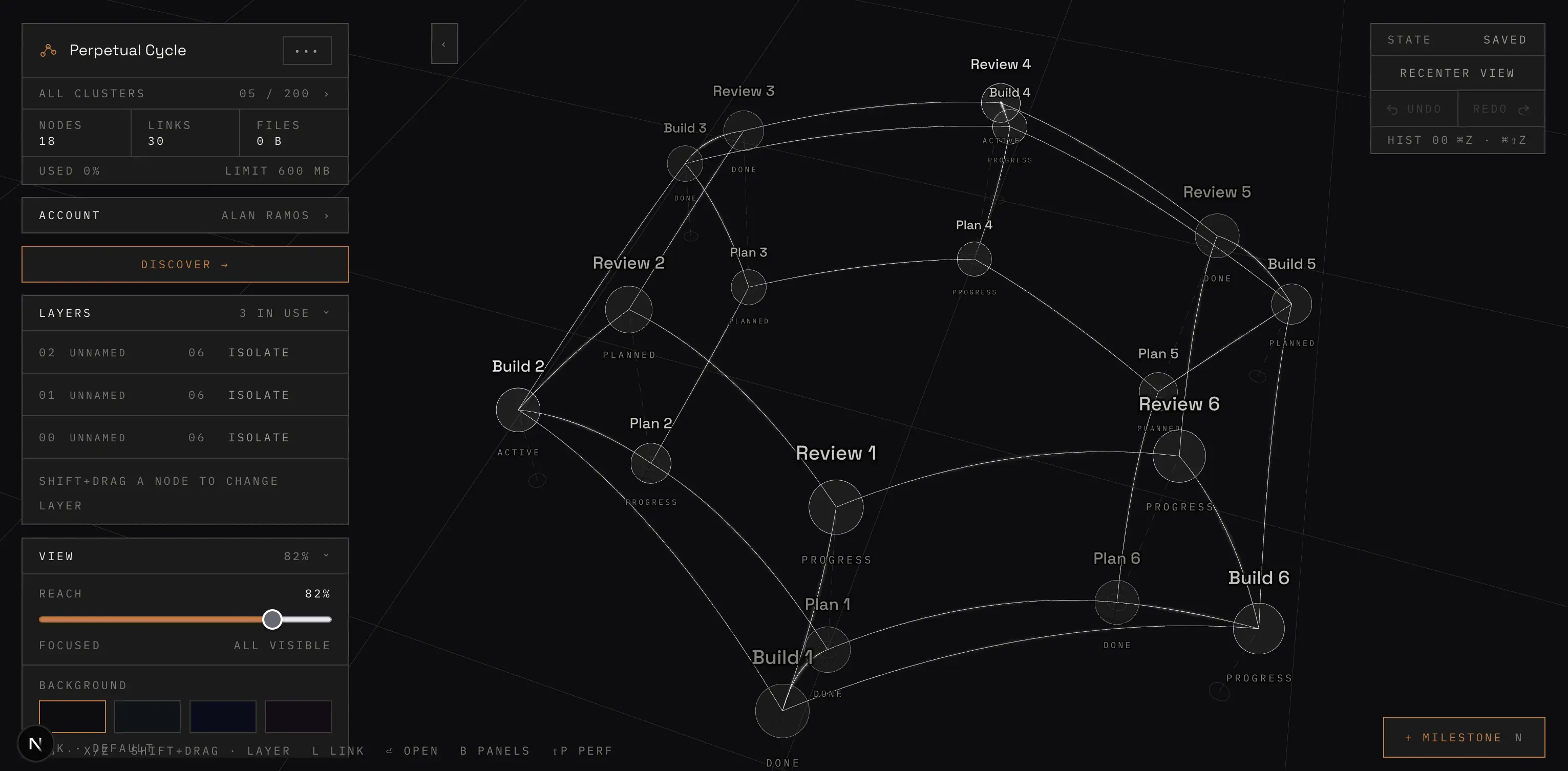
Notes do not have to live in endless lists. Explore a new way to collect ideas, see relationships and organize information across three dimensions.
VIEW IMAGE ↗Planckstar — Your Notes in 3D
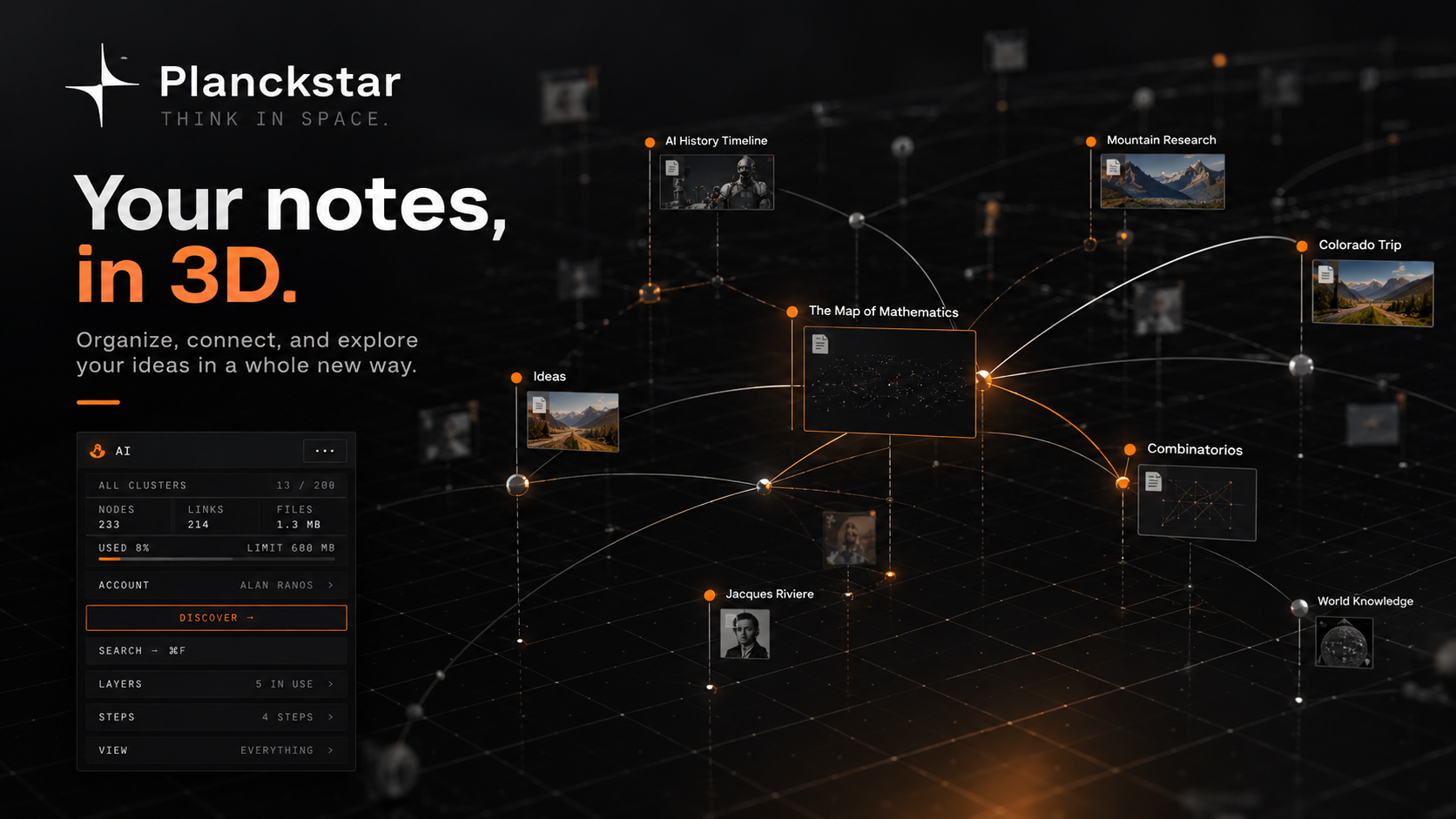
Meet Planckstar, a 3D note-taking app for visual thinkers. Capture ideas, organize projects spatially and turn scattered information into something you can explore.
VIEW IMAGE ↗Discover Public 3D Notes and Maps
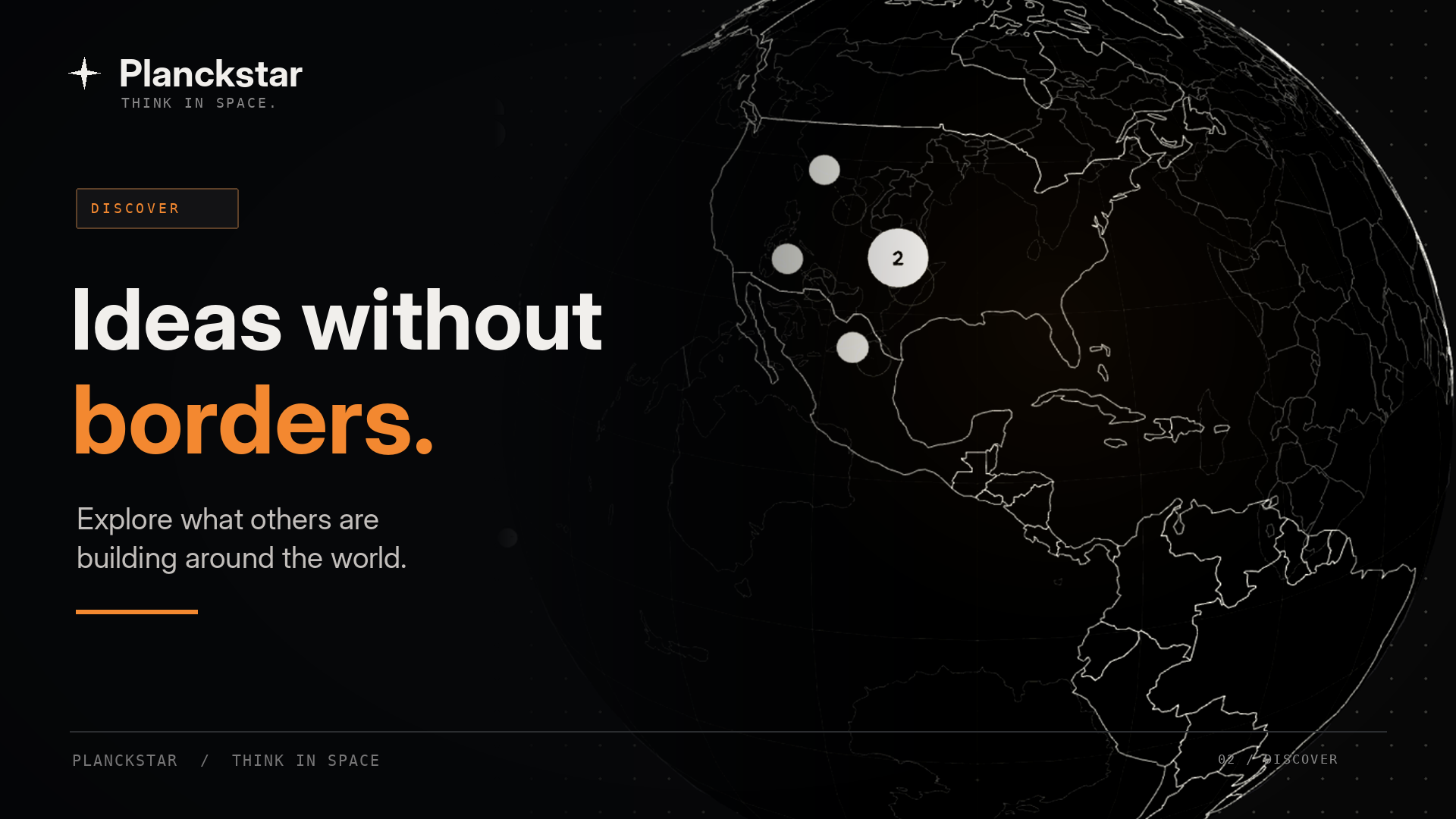
Discover ideas beyond your own workspace. Browse public 3D clusters on a globe, explore what other people publish and share your own work with Pro.
VIEW IMAGE ↗Explore Mathematics with Spatial Notes
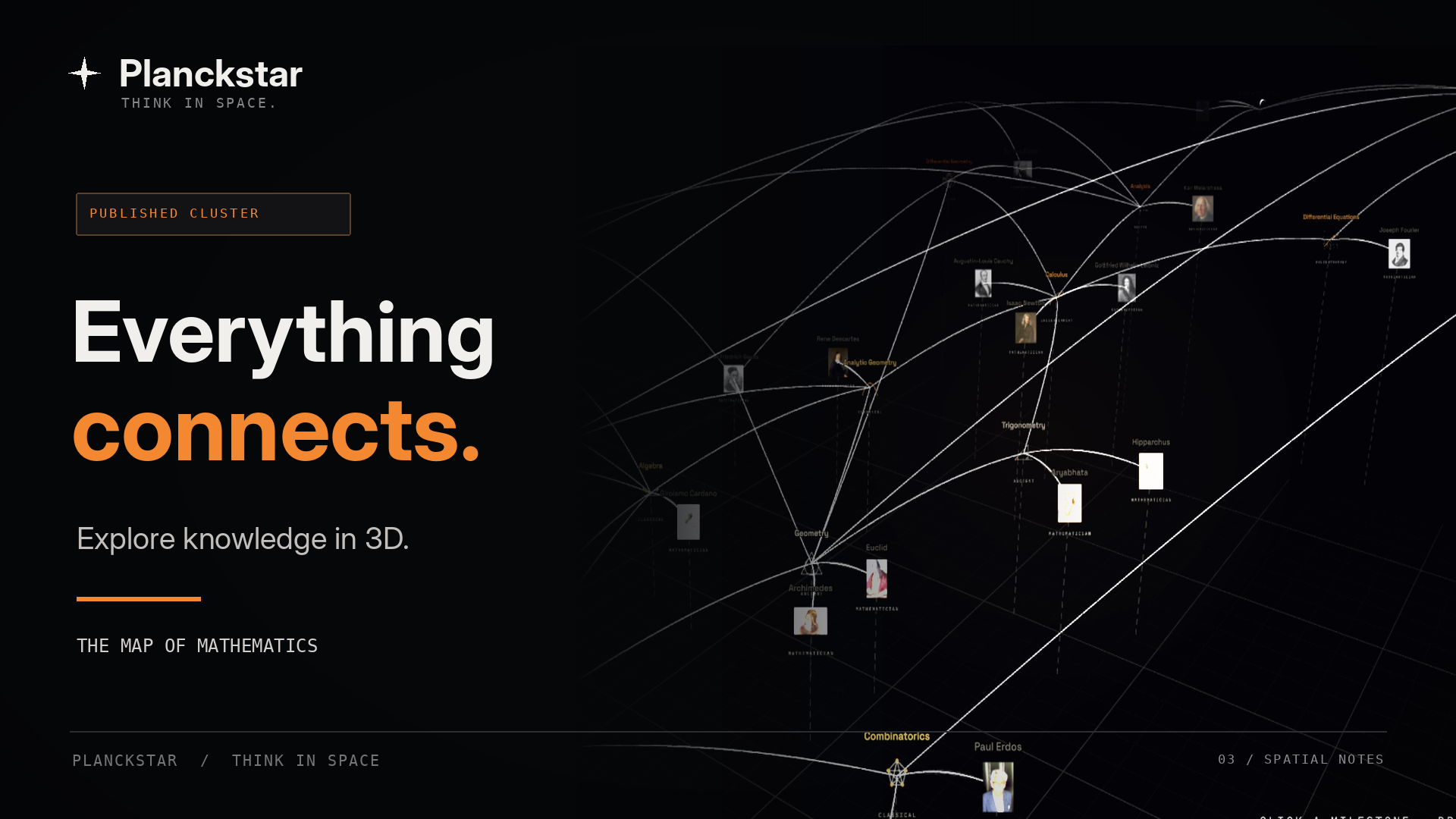
Complex subjects deserve room to breathe. Use spatial notes to map concepts, arrange research and give each step in your reasoning a visible place.
VIEW IMAGE ↗Explore Published 3D Knowledge Maps
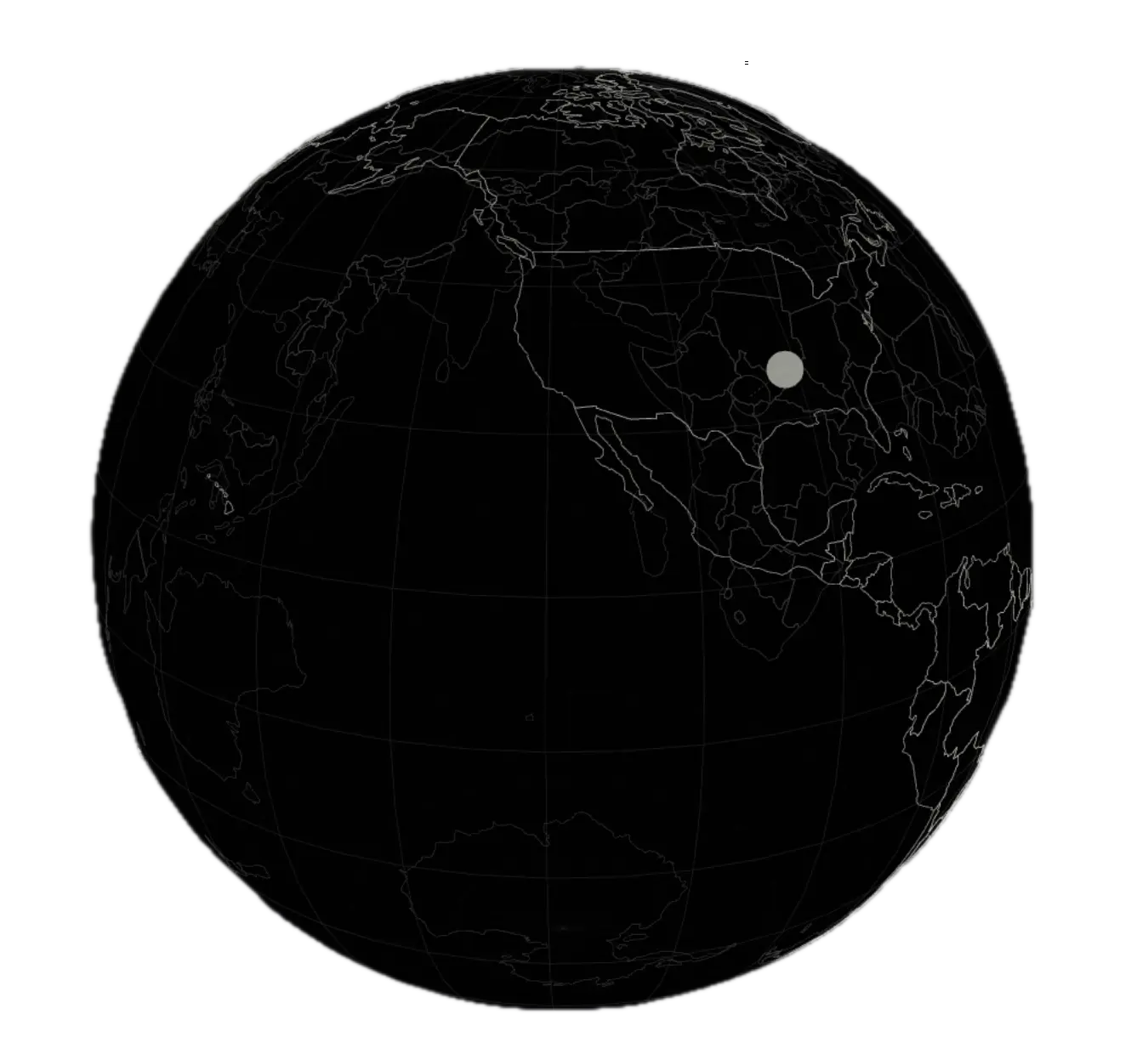
Travel through a globe of published work. Open spatial notes and project maps shared by other creators, with locations chosen by each author.
VIEW IMAGE ↗Build Visual Project Roadmaps in 3D
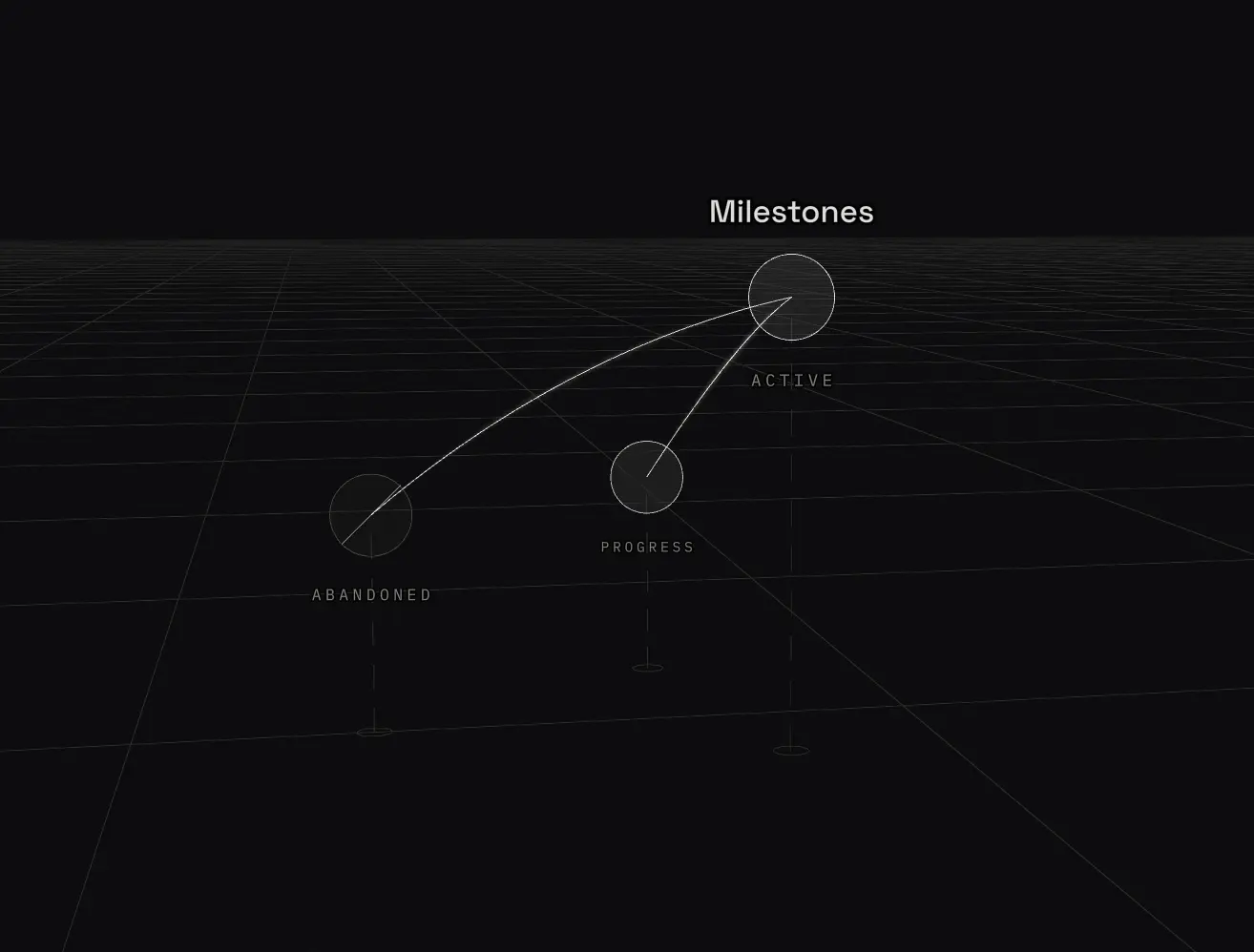
Turn a project into a map instead of a list. Use connected nodes, position and layers to organize milestones, research, dependencies and next steps.
VIEW IMAGE ↗A Spatial Workspace for Visual Thinkers
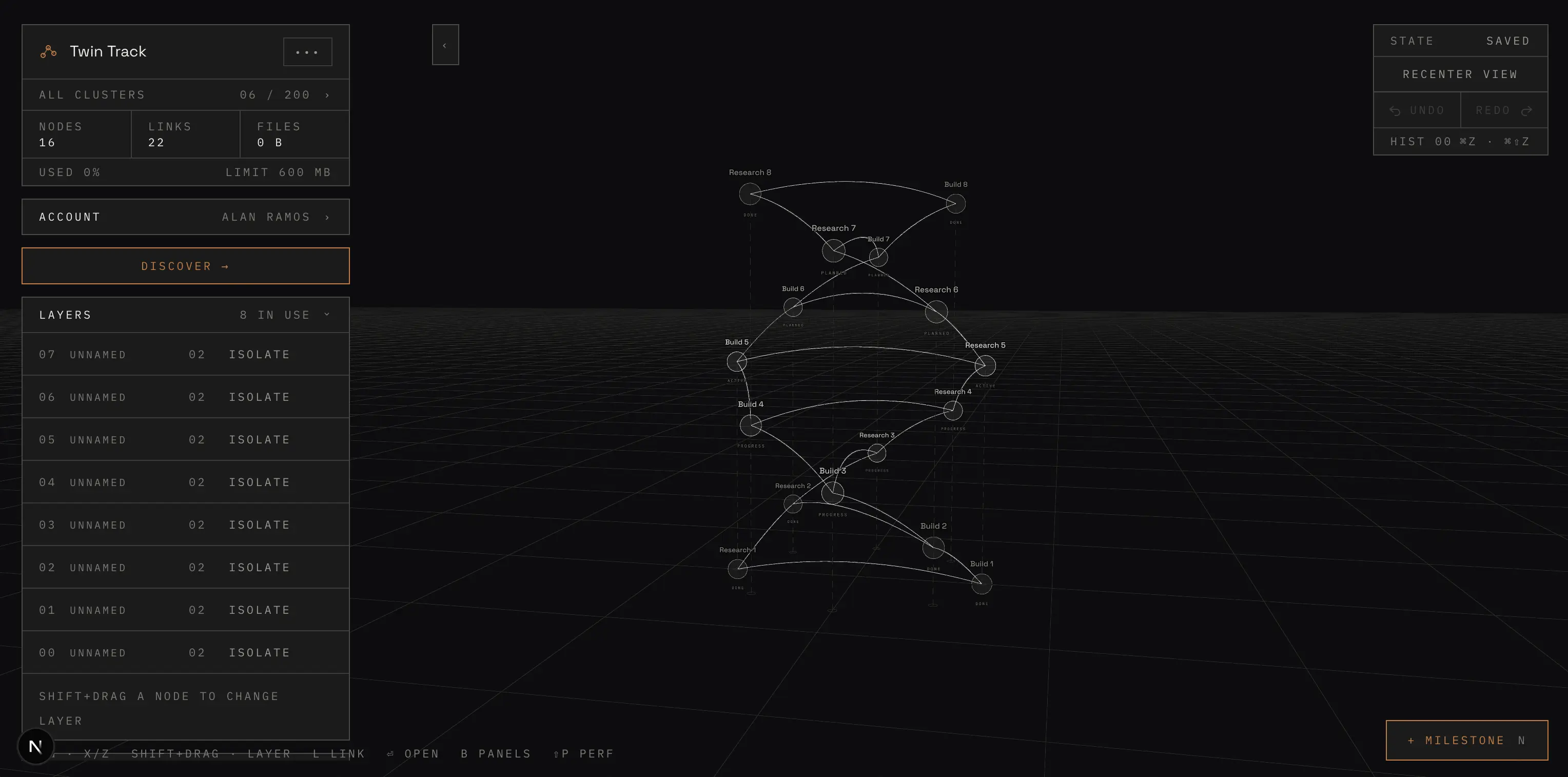
Imagine a workspace built around how ideas relate, not just when they were written. Planckstar helps you see notes, files and plans together in 3D.
VIEW IMAGE ↗Preview 3D Files in Context
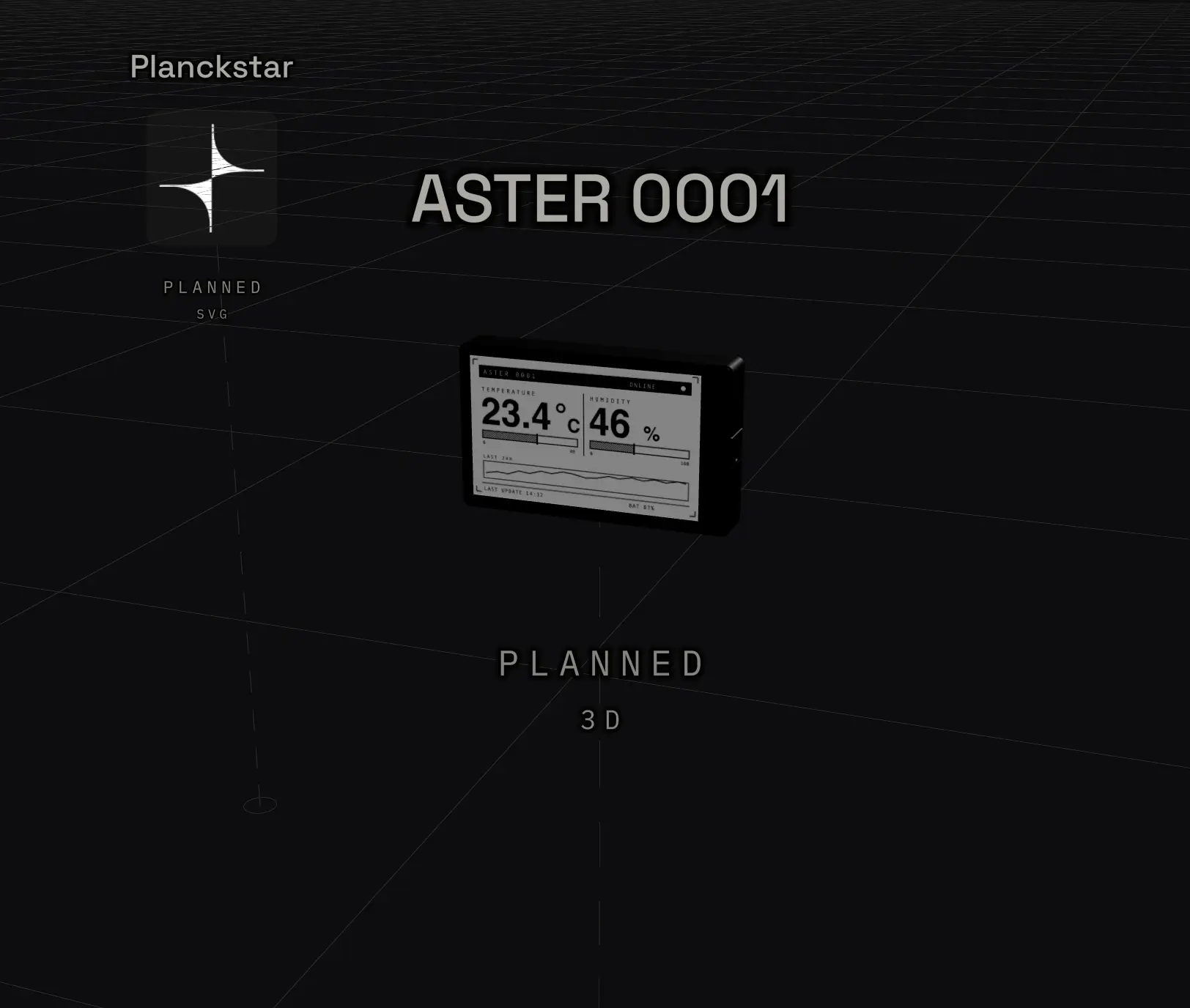
Keep reference models alongside the rest of your project. 3D content belongs in the same visual environment as the notes and decisions around it.
VIEW IMAGE ↗Combine Notes, Checklists and Progress
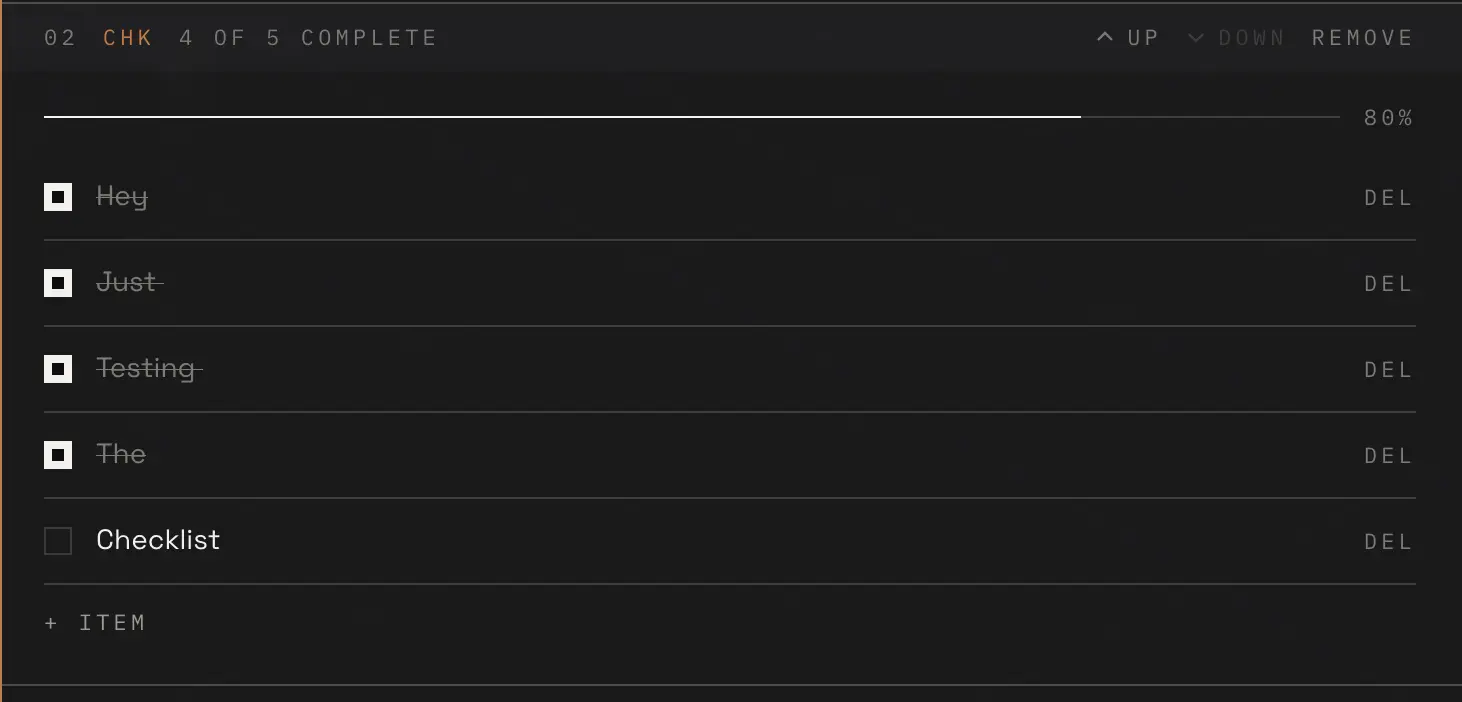
Ideas become actionable when the details stay together. Use a node for writing, checklists and supporting material while your project moves forward.
VIEW IMAGE ↗3D Notes for Projects, Plans and Research
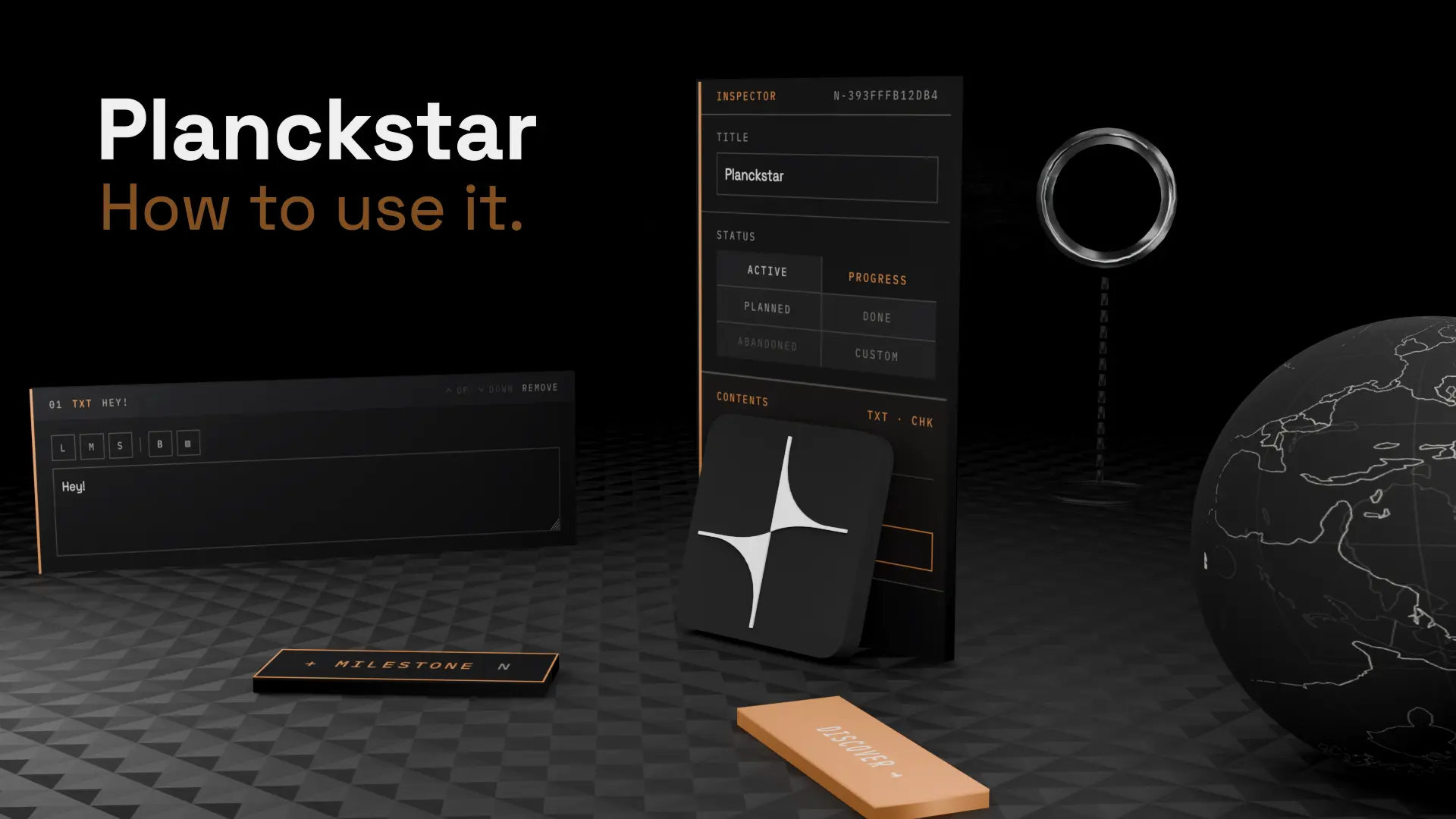
From research maps to personal plans, build a workspace around your own logic. Place related information near each other and follow the connections.
VIEW IMAGE ↗Connect Ideas in Three Dimensions
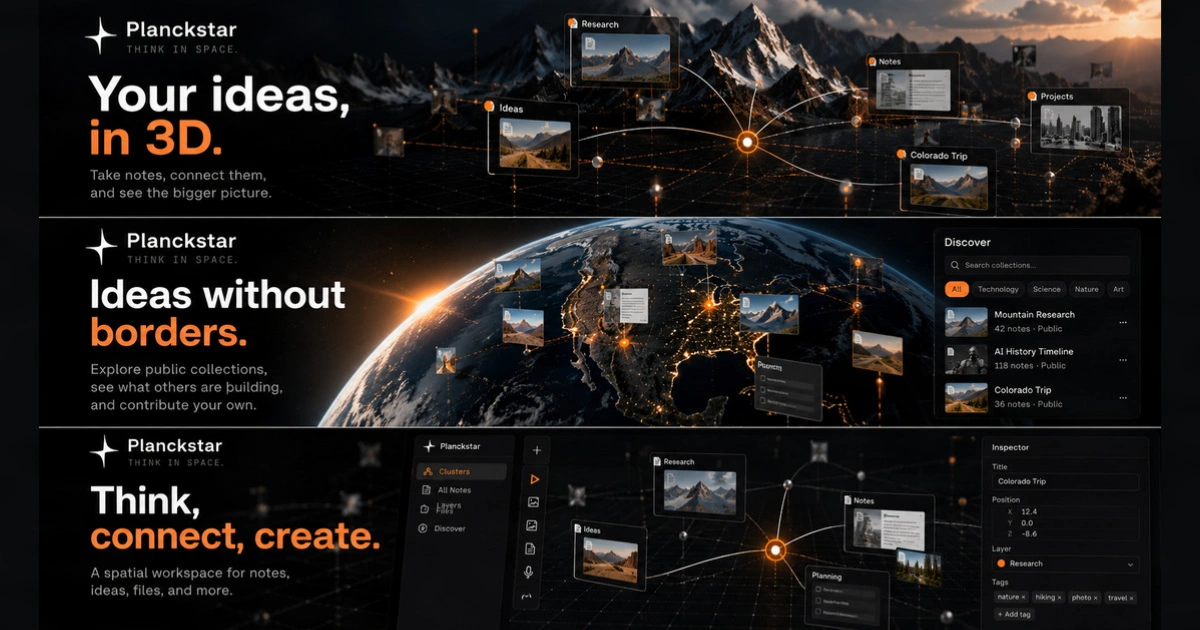
Turn individual thoughts into a connected picture. Arrange spatial notes and visual relationships to find structure in even your most ambitious ideas.
VIEW IMAGE ↗Everything a Note Needs, in One Node
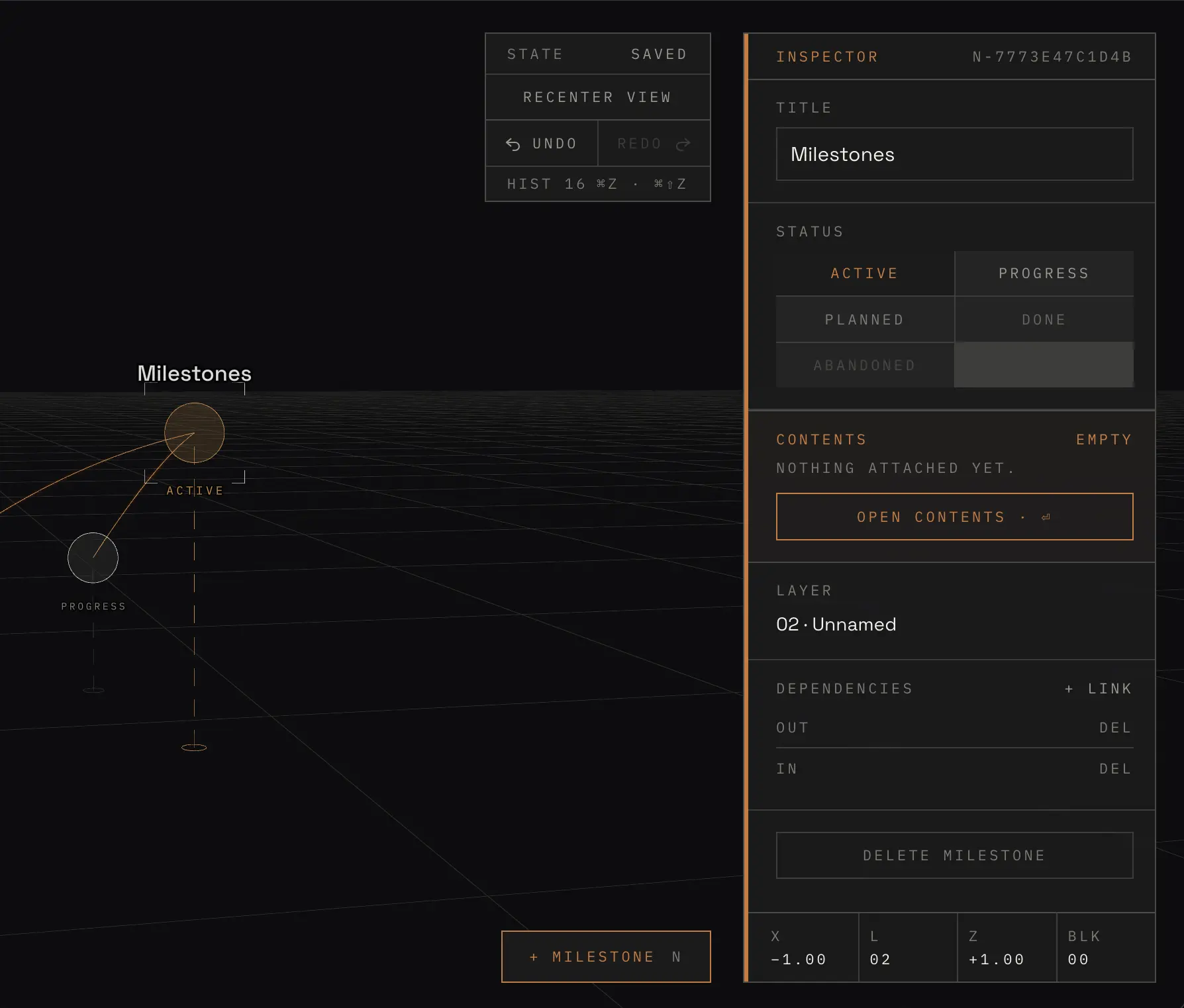
Each node is more than a point on a map. Open it to keep notes, tasks and files right where they belong—inside the context of your 3D workspace.
VIEW IMAGE ↗