
You decide where things go
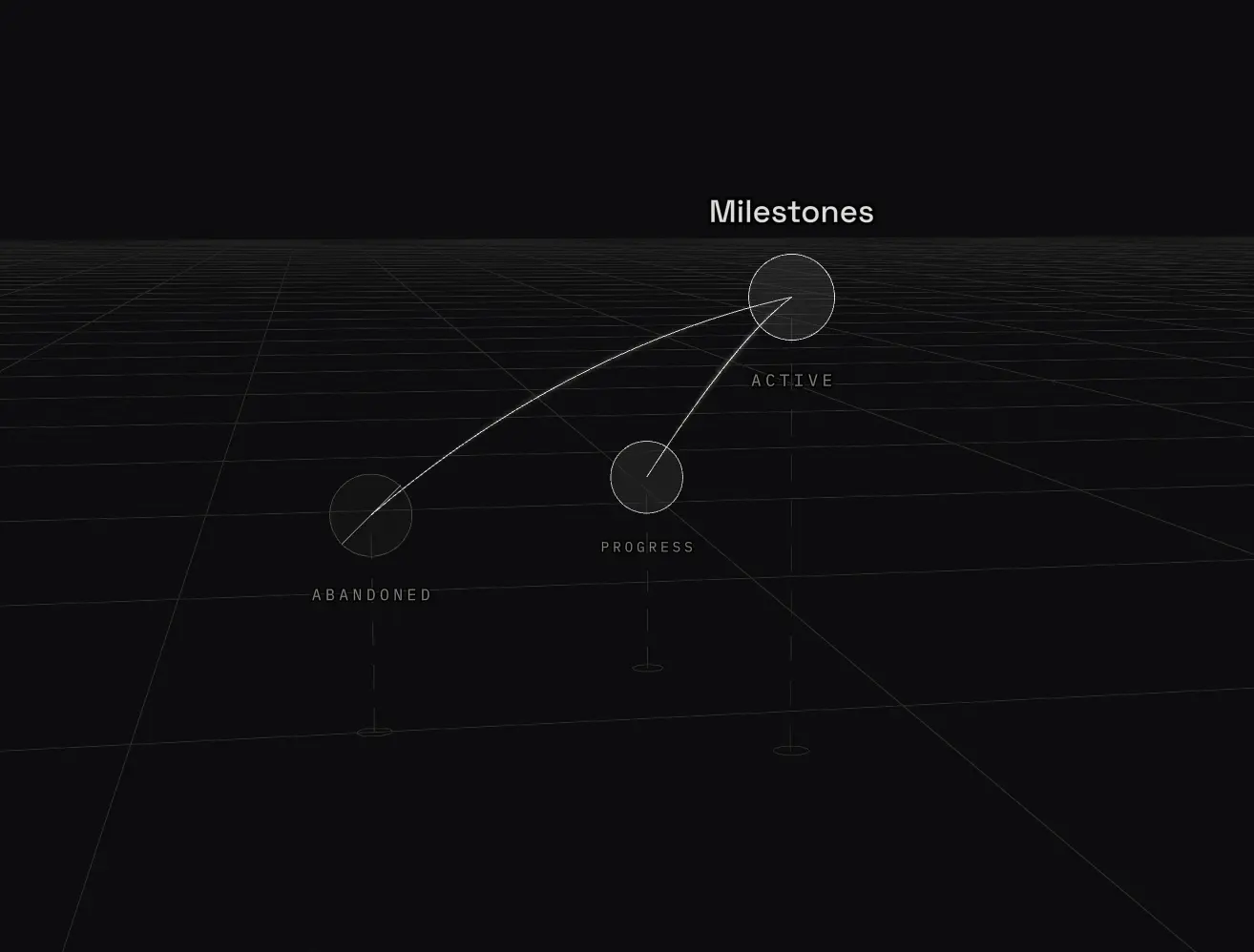
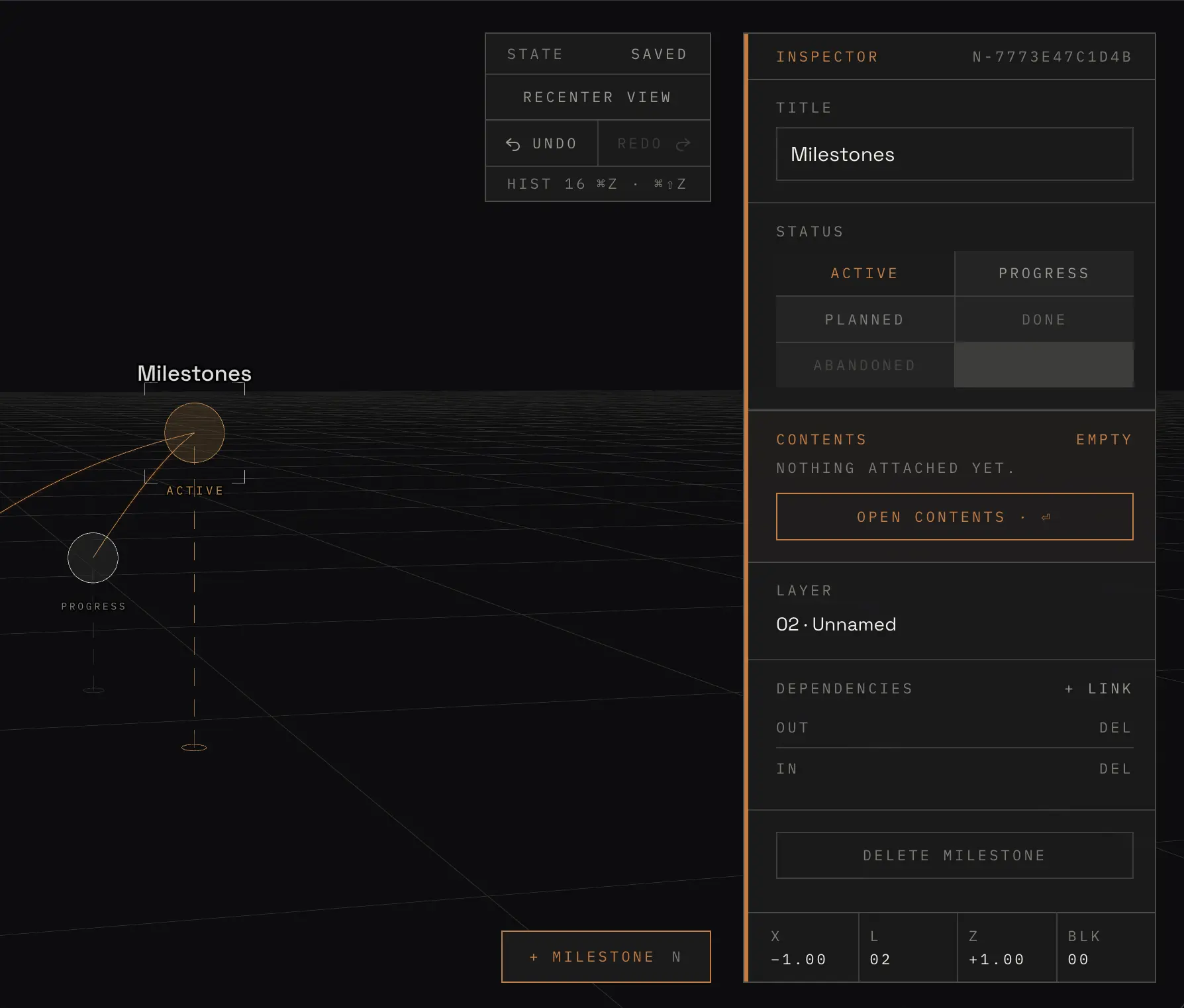
Create a node and drag it wherever it belongs. Move it, move it again, rearrange the whole thing as many times as you need. Nothing rearranges itself behind you, and the workspace never runs out of room.
- HUGE
- X / Z
A three dimensional workspace for plans. Place each node by hand, stack them into layers, and keep the notes, checklists, files and models inside the node they belong to.
Create a node and drag it wherever it belongs. Move it, move it again, rearrange the whole thing as many times as you need. Nothing rearranges itself behind you, and the workspace never runs out of room.
Height is how you switch between categories. Each layer is a section of your information, and you can isolate one to find what you are looking for without losing the rest. 20 layers to divide your structure however it makes sense to you.
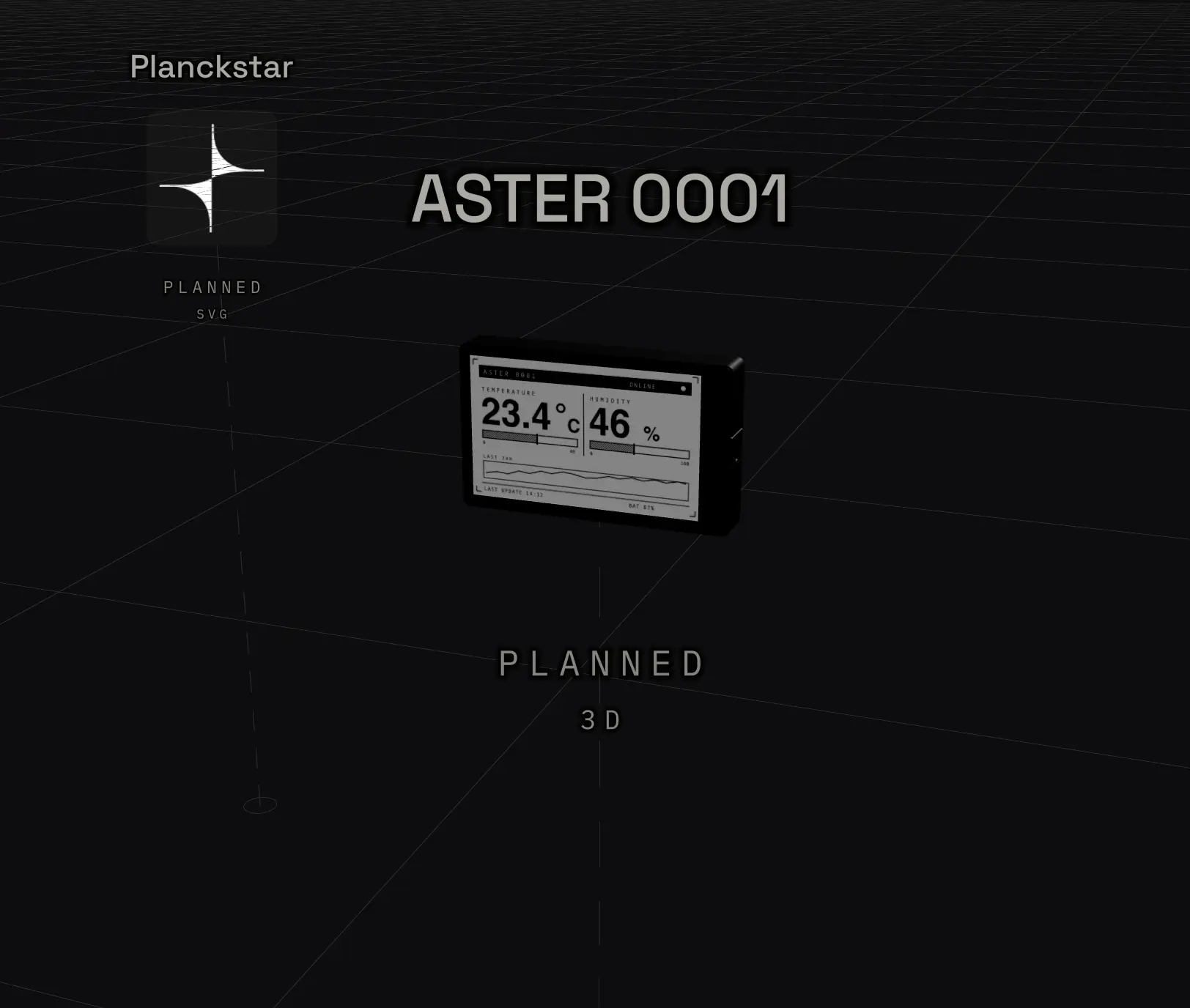
Open one and it becomes a note, a checklist, or a place to keep files: text, links, images, vectors, documents and 3D models, with the model rendered right in the scene if you want it. Add everything that belongs to it and stop keeping the plan and the work in two applications.
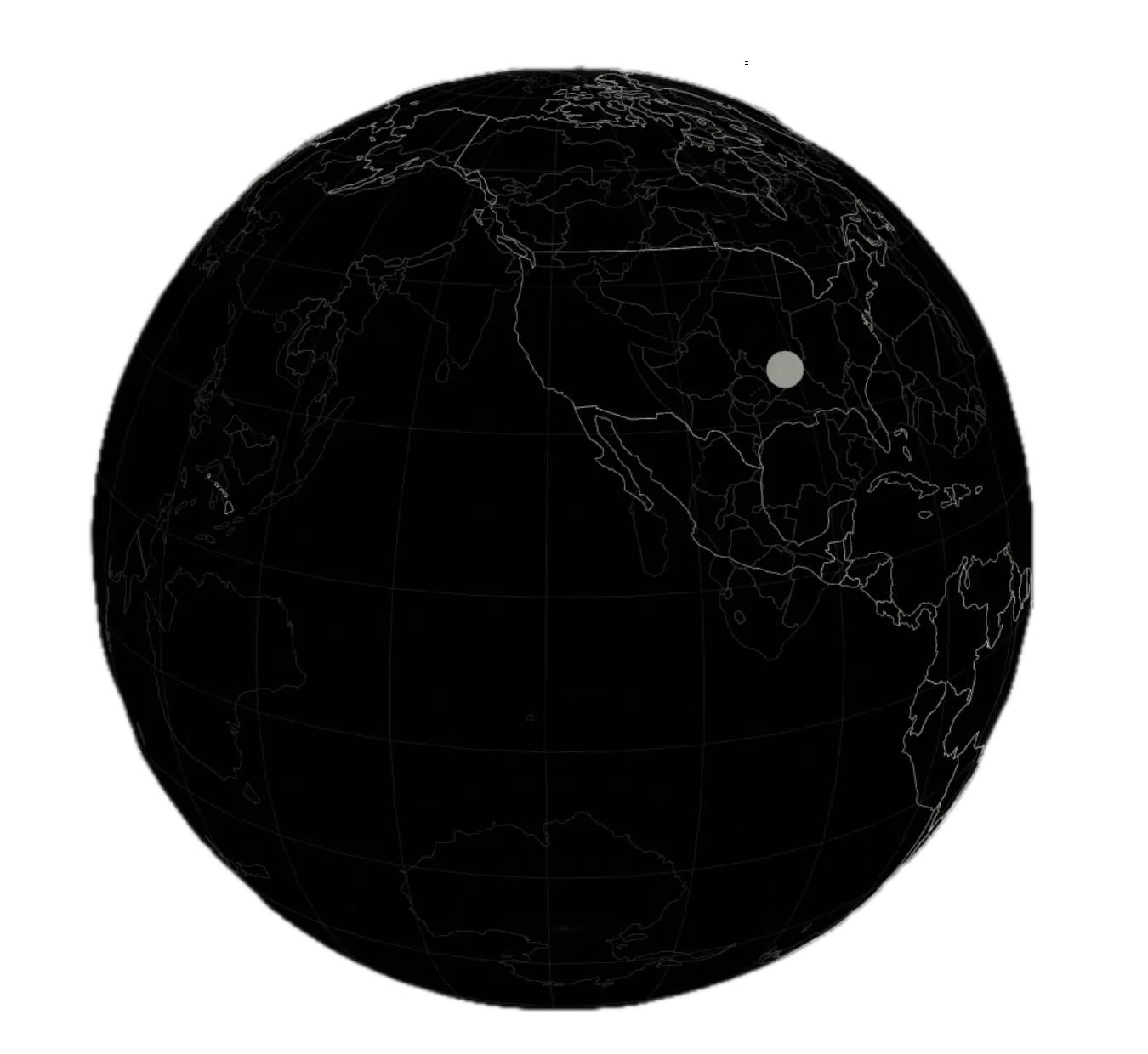
Publishing takes a snapshot, so drafts stay private until you say otherwise. Published clusters get their own address, appear on a globe pinned to a city, and collect stars from anyone who finds them.
Nodes snap to whole layers, up to 20 of them, and each one drops a plumb line to the floor. Read from the side, a cluster is a section drawing.
Every published cluster is pinned to a city its author chose, never a device location. Spin the globe, open a place, and read what other people are building.
For everyone who takes notes constantly and organises them twice. One interface, every function you actually need, and the notes you already keep turn into a living map you can walk around in.
7 days free to start. Cancel any time from the billing portal.